How to Configure Dynamic Rules for Bundle?
In order to create a new bundle, access your WordPress dashboard and head to the Bundle Rules menu.
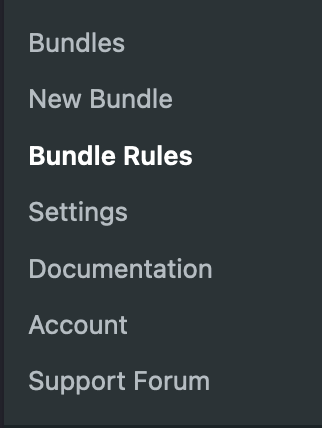
Then clicks New Bundle Rule and you will be redirected to this page:
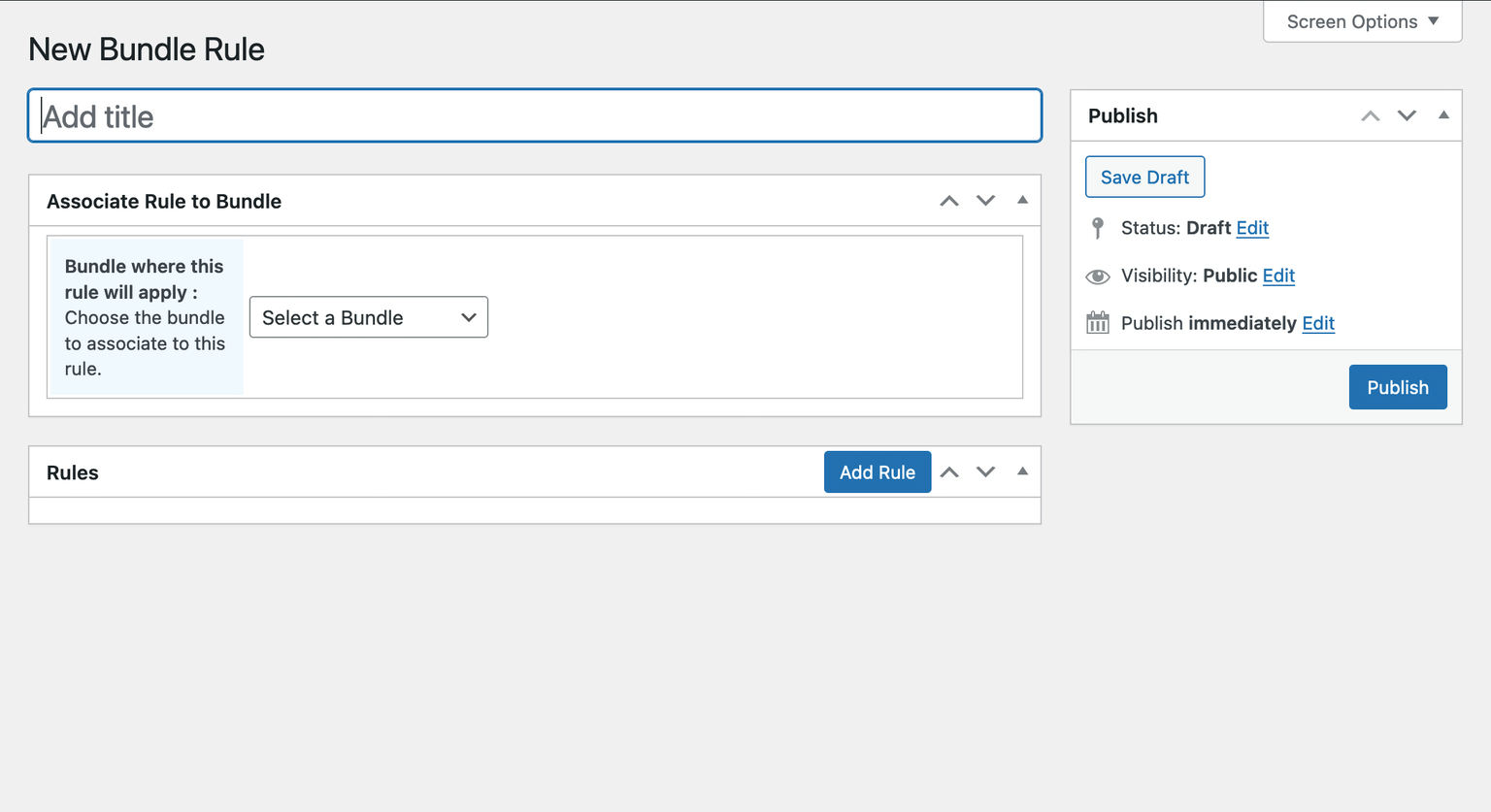
The page shows many fields that must be filled so the rules be applied smoothly:
Bundle Rule Name: Give the bundle rule you’re creating a name that only you will see.
Bundle where this rule will apply: Specify the bundle to which this rule applies, you can only apply it to one bundle at a time.
Once you have selected the bundle, click Add Rule to specify the rules you want for this bundle.
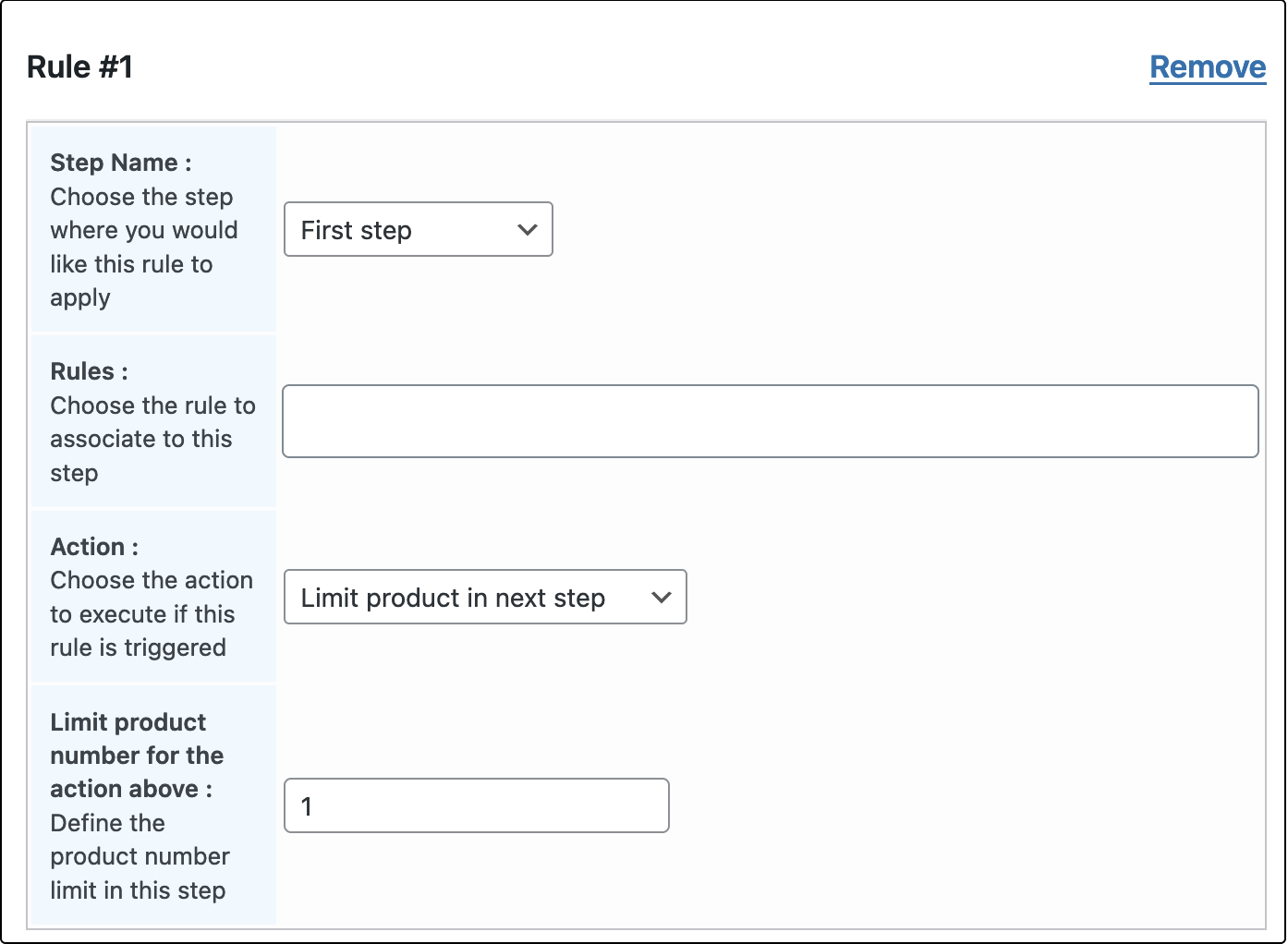
Once the rule is added, customize it the way you would like by filling the various fields or options present there:
Step Name: Choose the step where this rule must be applied.
Rules: Specify the trigger of the rules, you can say if a specific product or a group of products are the ones that trigger these rules.
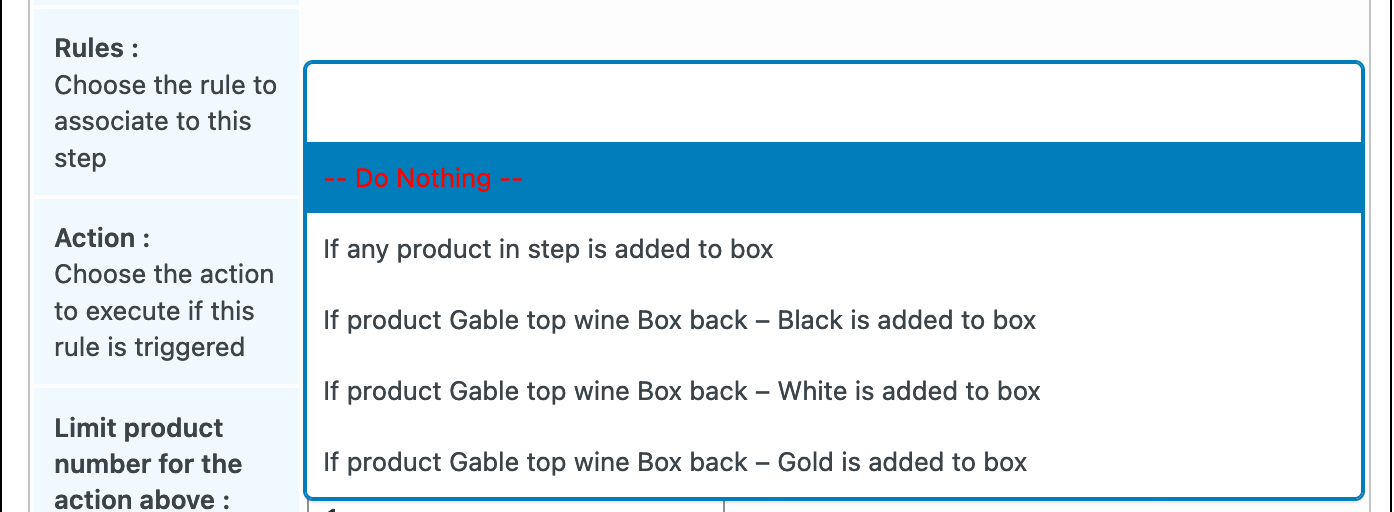
Action
Specify the action to execute once the rule has been triggered. The available actions are listed below:
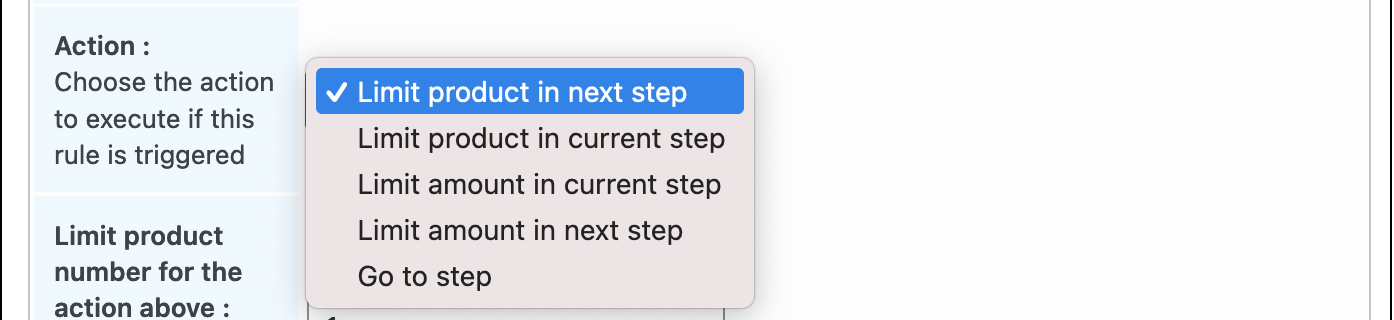
Limit product in next step: This restricts the number of products users will be able to add to their bundle in the next step.
Limit product in current step: This restricts the number of products users will be able to add to their bundle in the current step.
Limit amount in current step: This restricts the product amount users should be able to add to their bundle in the current step.
Limit amount in next step: This restricts the product amount users should be able to add to their bundle in the next step.
Go to step: This redirects the user to the step defined if the rule is triggered.
Find below, a tutorial video showing how to configure the dynamic rules for each steps in Doko Builder plugin: