How to Display Variable Product as a Single Product Instead of Separate Products?
By default, Doko Builder plugin separates variations from a variable product as individual products.
On some stores, this is not possible due to certain variable product configurations.
In order to see the variable product as a single product, there is an option in the plugin’s settings page.
To do so, go to Bundles > Settings:
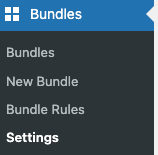
It will redirect to a page where you can customize this option as you want:
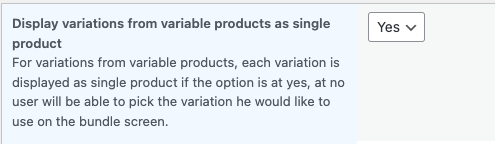
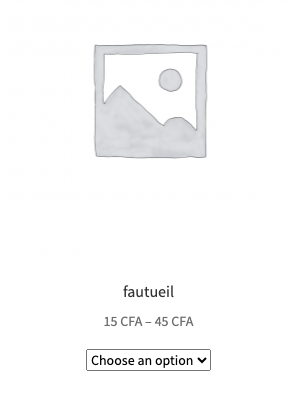
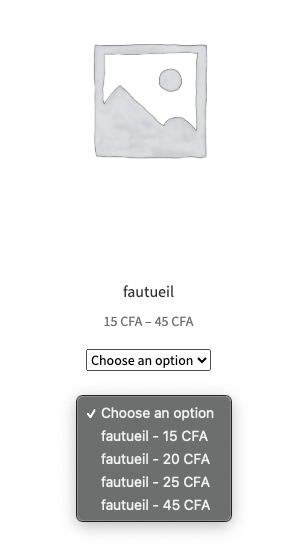
If you set the option to Yes, your customers will be able to see the variable product and its variations as a single product like this:
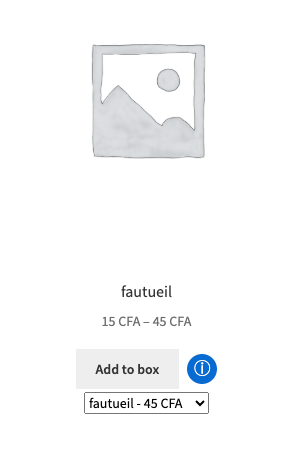
If you set the setting to No, it will display variations as separate products and hide the main variable product.